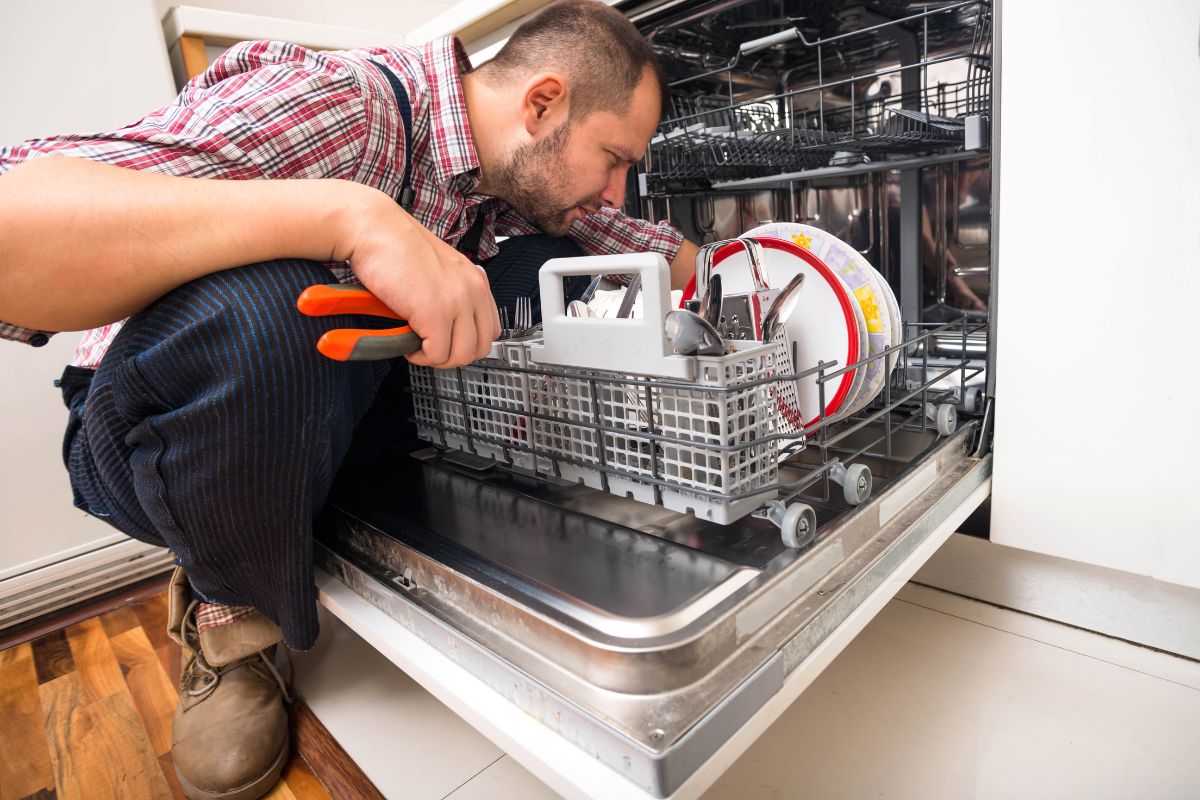
Samsung dishwashers are known for their performance and reliability, but like any appliance, they can occasionally display error codes. One common issue homeowners encounter is the OC error code. This guide explains what the OC code means, why it appears, and what steps you can take to fix it safely.
The OC error code indicates a water overflow condition. Your dishwasher’s sensors have detected that the water level inside the unit has exceeded the safe limit. This may be caused by a real overflow or by a false reading triggered by another issue.
While resetting the dishwasher may clear the code temporarily, identifying the root cause is essential to prevent repeated problems or potential water damage.
1. Excessive or Incorrect Detergent Use
Using too much detergent—or the wrong type, such as hand-washing soap—can create excessive suds. These suds may interfere with pressure sensors or vents, causing the dishwasher to think it’s overflowing.
What you can do:
Drain all water from the dishwasher
Remove dishes
Run a rinse cycle to clear remaining foam
Start a normal cycle without dishes
If the error does not return, the issue was likely caused by detergent overuse.
2. Improper Drain Hose Installation
If the drain hose is not installed correctly, wastewater can flow back into the dishwasher from the drain line. This backflow raises the internal water level and triggers the OC error.
What you can do:
Check that the drain hose is properly looped or connected to a siphon
Ensure there is no backflow from the plumbing
Run a short test cycle to confirm the fix
3. Control Board or Sensor Glitch
In some cases, the dishwasher’s electronic control system may misread conditions and display the OC error even when no overflow exists.
Try a safe reset:
If the code clears and does not return, the issue was likely temporary.
If the OC error code continues after checking detergent use, verifying the drain hose, and restarting the unit, the issue may involve:
These components require professional testing and repair. Continuing to operate the dishwasher with an unresolved OC error can lead to leaks or internal damage.
The Samsung dishwasher OC error code signals a potential overflow condition—either real or false. Understanding the most common causes allows you to troubleshoot safely and avoid unnecessary repairs. When basic checks don’t resolve the issue, professional service is the best way to protect your appliance and restore proper operation.
For expert Samsung dishwasher diagnosis and repair, contact Dishwasher Installer to schedule service and get your dishwasher running smoothly again.